Windows 10 or Windows 11? The Ultimate 2026 Buyer’s Guide

Windows 10 or Windows 11? The Ultimate 2026 Buyer’s Guide
Are you confused about which operating system to choose? You are not alone. The debate over Windows 10 or Windows 11 is more heated than ever. This decision is no longer simple. Your choice will impact your security and your daily computer use. The support for Windows 10 has officially ended. Microsoft stopped providing free security updates on October 14, 2025 .
That is a major turning point. It makes this guide essential for any buyer in 2026. We will break down the differences. We will compare performance and features. We will help you pick the best system for you. This guide will also show you where to get a genuine license. You will learn everything you need to make a smart purchase. The future of your PC depends on this choice. Let us dive into the details.
The Most Important Change: Windows 10 Support Has Ended
This is the biggest news. The support lifecycle for Windows 10 is over. Many users do not realize how serious this is . Without updates, your PC faces many risks. Hackers find new weaknesses every day. Microsoft will not patch these holes for Windows 10.
Your personal data could be at risk. Your files and passwords might be stolen. This makes the choice between Windows 10 or Windows 11 very important. Staying on the older OS is a gamble. You might save time now. But you could lose everything later. The Extended Security Updates (ESU) program is an option. It costs money, though. It only provides a temporary fix for one year . It is not a permanent solution. For most people, a new system is the best path forward.
Understanding the New Interface and Design
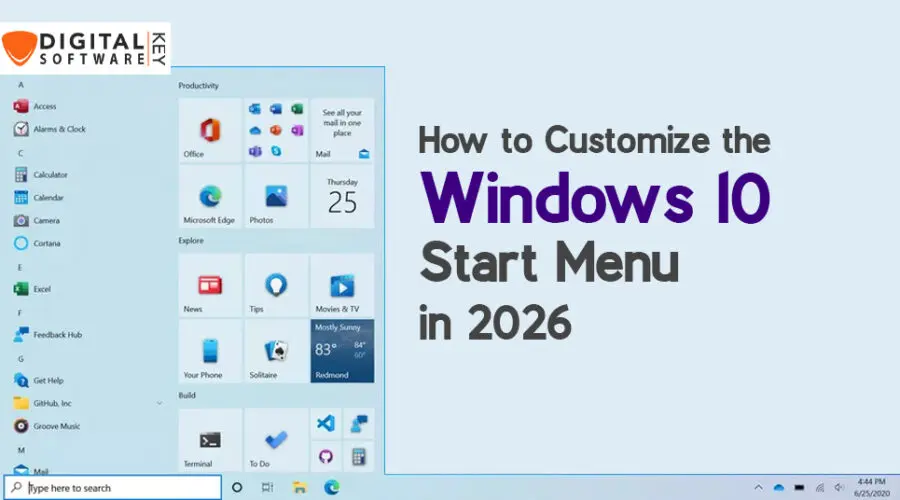
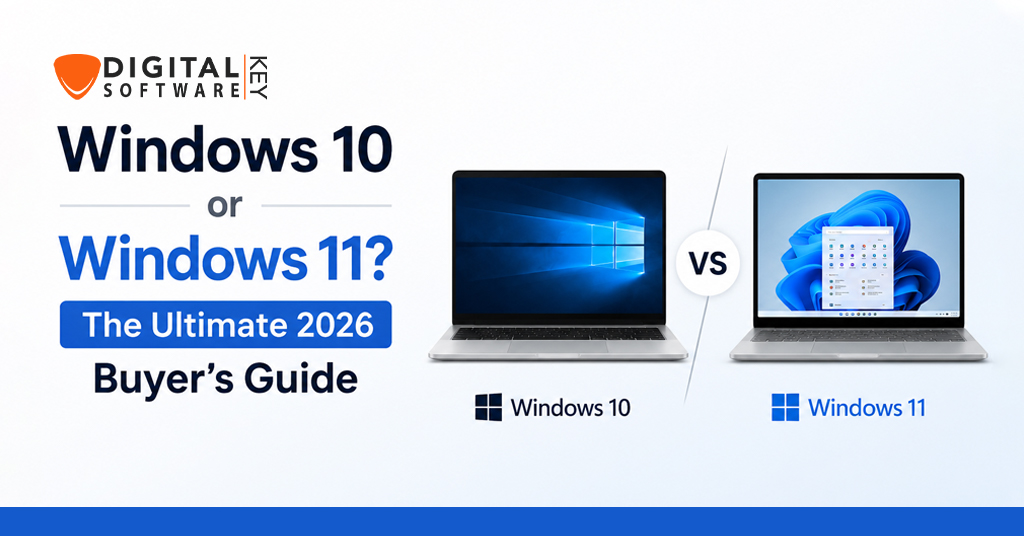
The look of your operating system changes your daily workflow. Windows 11 offers a fresh and modern look . The Start menu sits in the center. The corners are rounded. The overall feel is cleaner and simpler. It is designed to be easy on the eyes. Windows 10 has a more classic and familiar look. The Start menu stays on the left. Many users know this layout by heart. They find it comfortable.
The choice between Windows 10 or Windows 11 often comes down to personal taste. However, the new design is only one factor. The visual appeal is subjective. Some people love the new style. Others find it distracting. You must consider what works best for you. Do you want a fresh start, or do you prefer the classic feel?
Performance Comparison: Is One Faster?
Performance is a top priority for any user. Many people think Windows 11 is slower. Some tests show that it is. One major test compared six generations of Windows. It used old hardware like mechanical hard drives. In that test, Windows 11 scored last in many areas .
It took longer to start up. It struggled with memory management. However, those results depend on the hardware. Modern PCs are different. They have fast NVMe solid-state drives. They have powerful processors. On new hardware, performance is much closer. Recent gaming benchmarks are a good example. They show that Windows 11 is often faster for new games . Games like Arc Raiders and Borderlands 4 ran better on Windows 11. It can boost your frame rates. So, the decision about Windows 10 or Windows 11 depends on your PC. You need modern hardware to see the speed benefits of Windows 11.
Gaming Features and Benefits
Gamers have specific needs. They want speed and visual quality. Windows 11 offers unique features to help . It includes DirectStorage. This allows games to load faster. It also includes Auto HDR. This makes colors look more vivid. These features improve the gaming experience. The support for new CPUs is also better. The new scheduler works well with Intel’s big.LITTLE architecture.
Windows 10 lacks these optimizations. It will not get them in the future. Our tests showed that Windows 11 delivered better performance in many modern games . For example, it showed an 11% increase in Arc Raiders. This is a significant advantage. If you are a serious gamer, this is a strong reason to choose Windows 11. The choice between Windows 10 or Windows 11 is clear for gaming.
Understanding Hardware Requirements
Upgrading to Windows 11 is not always easy. The system has strict hardware rules . It requires TPM 2.0. This is a security chip on your motherboard. It also requires Secure Boot. Many older PCs do not have these features. You might have a capable computer. But it might be locked out. Windows 10 has much lower requirements. It runs on older machines without issue. You should check your PC’s compatibility first. Use the PC Health Check app from Microsoft. It will tell you if your PC meets the standards. The choice between Windows 10 or Windows 11 depends on your hardware. If your PC is too old, Windows 10 is your only option. But remember the security risks.
Security: A Key Factor in Your Decision
Security should be your number one concern. Windows 11 is much more secure than Windows 10. It was built with modern threats in mind . The requirement for TPM 2.0 is crucial. It ensures your system has a hardware root of trust. This prevents many types of attacks. Windows 10 lacks this enforced hardware security. It is now even more vulnerable. It will not receive critical patches. This leaves it open to new viruses. The choice of Windows 10 or Windows 11 is a security decision. Microsoft reports a 62% decrease in security incidents on Windows 11 . That is a very strong statistic. You must protect your data and privacy. Windows 11 is the safer choice.
Multitasking and Productivity Tools
How you work matters a lot. Windows 11 has better tools for productivity. It offers Snap Layouts. This feature helps you arrange windows on your screen . You can organize apps very quickly. This improves your workflow. It also supports multiple desktops better. The interface for switching is improved. Windows 10 has basic features. It allows for window snapping, but it is not as advanced. The difference in multitasking is noticeable. The choice between Windows 10 or Windows 11 will affect your efficiency. If you work with many apps, Windows 11 helps. It allows you to manage your screen space more effectively. This saves you time and reduces frustration.
The Future of AI in Windows
Artificial intelligence is the next big thing. Windows 11 is prepared for this future. It is the platform for new AI features. It integrates Copilot more deeply. This helps you with tasks like writing and editing . Windows 10 will not receive these AI upgrades. Microsoft is focused on the future. The company is preparing for a modular Windows. It will be based on AI and subscriptions. Windows 11 is the foundation for these changes. The choice between Windows 10 or Windows 11 will matter in the long run. Do you want to be left behind, or do you want to experience the future? Windows 11 is the best option for innovation.
New PC vs. Old PC: Which System to Choose?
Your choice depends on your hardware. For a brand new PC, the answer is easy. You should pick Windows 11 . New computers are built for it. They have the necessary security features. They will run it perfectly. You get the maximum performance and security. For an older PC, it is harder. If it does not meet the requirements, you cannot upgrade. You must stick with Windows 10. If your old PC can upgrade, the benefits are still there. You might see better performance and security. The choice between Windows 10 or Windows 11 is often forced by your hardware. You should always check the compatibility first. This will save you time and trouble.
Where to Buy Your Windows License
Getting a genuine license is critical. You need a trusted source. It protects you from malware and fraud. You can buy it directly from Microsoft. But sometimes, you want better deals. That is where a https://digitalsoftwarekey.com/ comes in. They offer affordable and legitimate software keys. You can save money on your purchase. It is a smart way to upgrade or install a new system. Make sure you get the right version. Choose the one that fits your needs. A proper license is the final step in your decision. It ensures you have full support and updates.
How to Check Your Current Version
Before you decide, know what you have. It is easy to check your system. Press the Windows key and the R key together. This opens the Run dialog box. Type “winver” and press Enter . A window will pop up. It will show you your version and build number. This is a simple step. It will tell you if you are on Windows 10 or Windows 11. If you are on an older version, you need to plan. You can then check the compatibility. This information helps you make a better choice. The decision about Windows 10 or Windows 11 starts with knowing your current setup.
Cost of Upgrading and Licensing
You might have questions about the cost. The upgrade from Windows 10 to Windows 11 is free. This is true for eligible Windows 10 devices. You just need to meet the system requirements. However, if you are building a new PC, you need a license. You must purchase a full version. A Windows 11 license is a separate purchase. You can buy a key even without a previous copy . The cost is a one-time payment. It provides you with a legal and secure system. Think of it as an investment. It protects your data and unlocks new features. The choice between Windows 10 or Windows 11 does not have to break the bank. The free upgrade is a fantastic offer.
Common Problems and Fixes
Users often face some issues. The most common problem is compatibility. Many people find their PCs do not support Windows 11. The strict requirements for TPM 2.0 are a hurdle. Some users try to bypass the system check. This is not advised, as it leads to performance issues. If you upgrade an unsupported PC, you might face blue screens. It can make your system unstable . The best solution is to check your hardware first. If your PC is compatible, the upgrade is smooth. If it is not, you have to make a choice. You can buy a new PC. Or you can stay on Windows 10. Just be aware of the security risk.
Gaming Test Results Summary
Our testing shows a clear trend. Windows 11 is better for gaming in 2026. The latest tests used a powerful Ryzen 9800X3D CPU and an RTX 5090 GPU . We ran over a dozen modern games. Windows 11 won in most of them. In Arc Raiders, it was 11% faster. In Borderlands 4, it was 13% faster. In Horizon Zero Dawn Remastered, it was 10% faster. It also performed better in Marvel Rivals and Spider-Man 2. Some games showed no difference. Battlefield 6 ran nearly the same on both. But the trend is undeniable. The choice between Windows 10 or Windows 11 for gaming is clear. The newer OS offers a performance advantage.
The Verdict: Making Your Final Choice
The decision depends on your situation. Let us make it simple. If you have a new PC, get Windows 11. It is the future. It offers better security and performance. If you are a gamer, get Windows 11. It provides a significant boost. If you are concerned about security, get Windows 11. It is the only choice. If you have an old PC, you are stuck. You have to use Windows 10. Be sure to get third-party antivirus software. Remember, there is no one-size-fits-all answer. The choice between Windows 10 or Windows 11 is personal. It depends on your hardware and your needs. We recommend upgrading if you can. It is the safest and smartest decision for 2026.
Conclusion
The debate about Windows 10 or Windows 11 is almost settled. The end of support for Windows 10 changes everything. It is not a secure operating system anymore. Windows 11 is the clear winner for most people. It offers a modern interface and better multitasking. It provides superior security and better gaming performance. It is the platform for the future of AI.
You should upgrade if your PC can handle it. You will get a better experience. Your data will be safer. You will also enjoy the new features. For those building a new PC, the choice is simple. Install Windows 11. It is the only logical choice. Make your decision based on facts and your needs. We hope this guide helps you. Good luck with your choice.
Frequently Asked Questions
1. Is Windows 11 better than Windows 10 for gaming?
Yes, for most modern games. Our tests show that Windows 11 delivers higher frame rates in many titles . It also includes features like Auto HDR and DirectStorage that improve the experience.
2. Can I upgrade from Windows 10 to Windows 11 for free?
Yes. The upgrade is free for eligible devices. You just need to meet the hardware requirements . You can check your compatibility using the PC Health Check tool.
3. What happens if I stay on Windows 10?
You will no longer receive free security updates . This makes your PC vulnerable to new threats. Your data and privacy could be at risk. It is not recommended to stay on an unsupported system.
4. What are the main differences between Windows 10 or Windows 11?
The key differences are security, design, and gaming features. Windows 11 has a modern interface and stricter hardware requirements. It also offers better performance for gamers and future AI capabilities .
5. Do I need to buy a new license for Windows 11?
If you are upgrading from a licensed Windows 10, the upgrade is free. For a new PC build, you will need a new product key. You can find affordable options from retailers like https://digitalsoftwarekey.com/.