A Complete and In-Depth Guide to Windows 11 Pro: Features, Benefits, and Why It’s the Perfect Upgrade This Holiday Season

Introduction to Windows 11 Pro
Windows 11 Pro is Microsoft’s advanced operating system for professionals, businesses, and serious users. It focuses on security, productivity, and performance. Unlike older Windows versions, it supports modern work styles. Many people now work remotely or manage digital tasks daily. Therefore, Windows 11 fits current needs very well. It delivers faster performance and stronger protection. It also offers tools that improve workflow. The holiday season makes this upgrade even more appealing. Many retailers offer discounts. New laptops ship with Windows 11 preinstalled. As a result, users can upgrade with better value and long-term benefits.
What Is Windows 11 Pro?
Windows 11 Pro is a premium edition of Windows 11. It is intended for power users and professionals. It includes features not found in Windows 11 Home. These features improve security and control. For example, Windows 11 includes BitLocker encryption. It also supports Remote Desktop access. In addition, it allows advanced device management. Therefore, it suits business users and remote workers. It also suits freelancers and IT professionals. As a result, Windows 11 offers flexibility and reliability.
Why Windows 11 Pro Is Better Than Older Versions
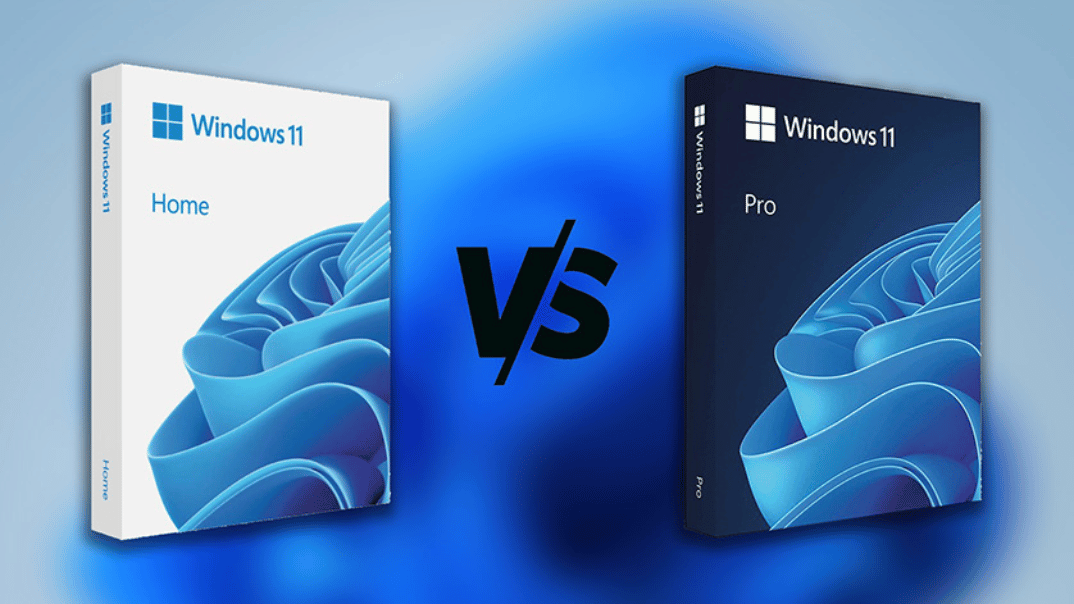
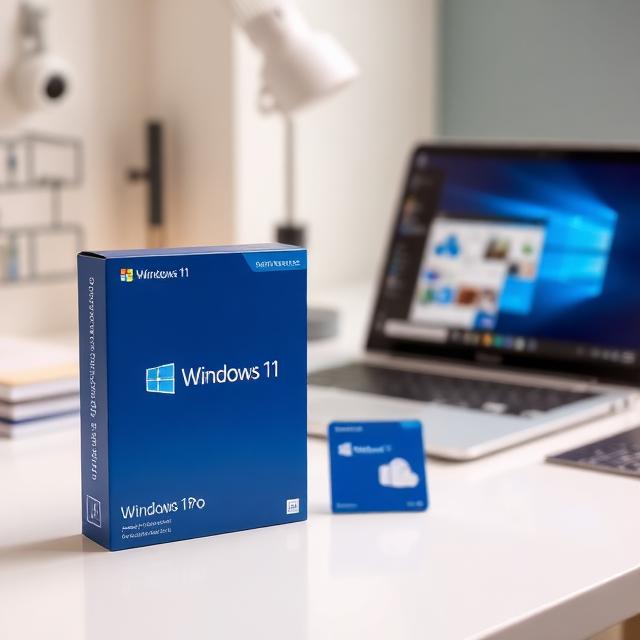
Windows 11 Pro
Windows 11 Pro improves many areas compared to Windows 10 Pro. It offers better security features. Performance feels faster and smoother. The interface looks modern and clean. Multitasking tools are more advanced. Microsoft also designed it for future hardware. Windows 10 will lose support in the coming years. Therefore, upgrading now avoids future problems. As a result, users stay secure and up to date.
System Requirements and Compatibility
Windows 11 Pro requires modern hardware. This ensures strong security and stable performance. A compatible 64-bit processor is required. RAM of at least 4 GB is required. Storage must be 64 GB or more. TPM 2.0 support is mandatory. Secure Boot must also be enabled. Although these requirements seem strict, they protect users. They also reduce system vulnerabilities. As a result, devices perform better over time.
User Interface and Visual Improvements
Windows 11 Pro introduces a redesigned interface. It looks clean and professional. The Start Menu appears at the center of the screen. This layout feels balanced and intuitive. Icons look sharper and modern. Rounded corners soften the overall design. Menus feel simple and organized. Animations run smoothly. Transitions feel fast. Therefore, daily tasks feel easier and more enjoyable.
Snap Layouts and Productivity Boost
Productivity matters for professionals. Windows 11 Pro improves multitasking with Snap Layouts. These layouts help users arrange windows quickly. Users can choose from preset designs. This saves time. Snap Groups remember window positions. Users can return to tasks instantly. Virtual desktops help organize workflows. Users can separate work and personal spaces. As a result, focus and efficiency increase.
Performance Improvements in Windows 11 Pro
Windows 11 Pro delivers noticeable performance gains. It uses system resources more efficiently. Apps load faster. Background tasks run smoothly. Startup times are shorter. Updates install quicker. This reduces interruptions. Even heavy tasks feel responsive. Therefore, users experience consistent speed. This improves daily productivity.
Advanced Security Features Explained
Security is a major strength of Windows 11 Pro. It includes enterprise-level protection. BitLocker encrypts drives and files. This protects data if a device is lost or stolen. Windows Hello offers secure sign-in methods. Users can log in using face or fingerprint. TPM 2.0 adds hardware-based security. These features block many modern threats. As a result, sensitive data stays safe.
Built-In Business and Management Tools
Business-oriented tools are included in Windows 11 Pro. Remote Desktop allows users to access systems from anywhere. This helps remote and hybrid workers. Group Policy allows administrators to manage settings. This improves consistency across devices. Assigned Access limits system usage. This helps in shared or public systems. Therefore, Windows 11 supports business needs effectively.
Windows 11 Pro for Remote Work
Remote work is now common worldwide. Windows 11 Pro supports this work style fully. Microsoft Teams is built into the system. Users can chat, call, and join meetings easily. Cloud integration allows smooth file sharing. Files sync across devices quickly. This keeps work organized. As a result, collaboration becomes simple and reliable.
Gaming and Graphics Enhancements
Windows 11 Pro also improves gaming performance. Auto HDR enhances visual quality. Games appear brighter and more detailed. DirectStorage reduces load times. Games start faster. Modern GPUs perform better with Windows 11. This allows smoother gameplay. Therefore, users enjoy both work and entertainment on one system.
App Support and Software Compatibility
Compatibility is important when upgrading. Windows 11 Pro supports most Windows 10 apps. Legacy software runs smoothly. The Microsoft Store now offers more applications. Android app support adds flexibility. Users can run mobile apps on desktop. This expands productivity options. Therefore, upgrading does not disrupt existing workflows.
Windows Update Control and Stability
Windows 11 Pro offers more update control. Users can schedule updates. This prevents interruptions during work hours. Security patches arrive regularly. These updates protect against new threats. Long-term support ensures system stability. Businesses benefit from predictable update cycles. As a result, systems stay reliable and secure.
Windows 11 Pro vs Windows 11 Home
Windows 11 Home targets casual users. Windows 11 Pro targets professionals. Pro includes BitLocker, Remote Desktop, and business controls. Home lacks these features. Therefore, Windows 11 offers better value for work-focused users. It also provides stronger security. As a result, professionals benefit more from Pro.
Windows 11 Pro vs Windows 10 Pro
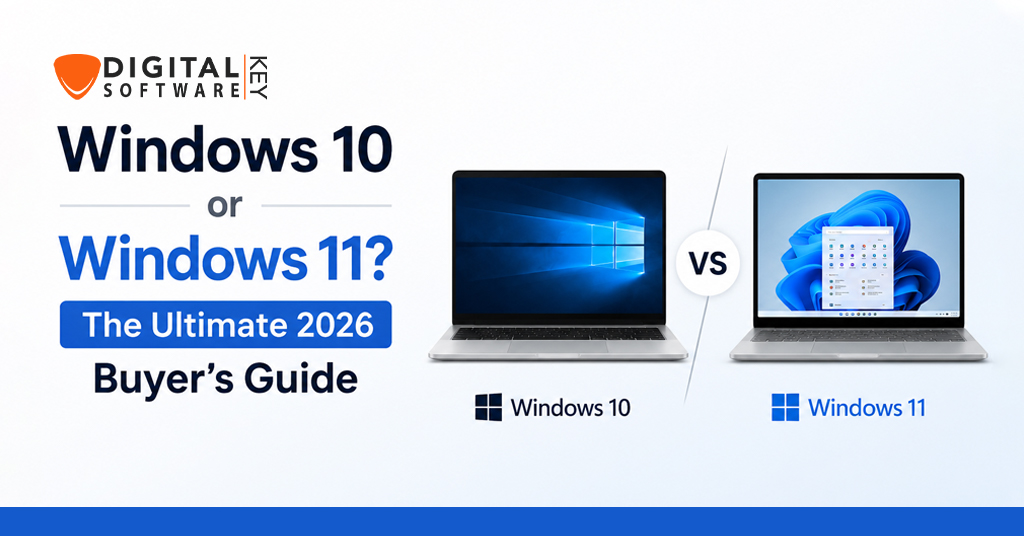
Windows 10 Pro served users well. However, Windows 11 Pro improves every key area. It offers better security features. Performance feels faster. The interface looks modern. Multitasking tools are stronger. Windows 10 support will end in the future. Therefore, upgrading now prepares users for long-term use.
Who Should Upgrade to Windows 11 Pro?
Windows 11 Pro suits many users. Business owners benefit from security tools. Remote workers gain flexibility. IT professionals gain system control. Freelancers enjoy speed and reliability. Advanced home users also benefit. Therefore, it serves a wide audience.
Where Can I Download the Software
If you are ready to upgrade to Windows 11 Pro, it is important to download it from a trusted source. Microsoft offers the official version on its website, ensuring safety and security. Avoid third-party sites that may provide pirated or modified copies, as these can contain malware. Download from here…
Why Windows 11 Pro Is the Best Holiday Upgrade
The best time to upgrade is during the holidays. Retailers offer special discounts. New devices include Windows 11 preinstalled. Many users plan new goals for the new year. Windows 11 supports productivity and growth. It improves security and performance. Therefore, upgrading now offers long-term value.
Long-Term Value and Future Readiness
Windows 11 Pro prepares users for future technology. It supports modern hardware. Security features stay updated. Productivity tools improve with updates. Businesses benefit from long-term support. Users avoid future upgrade stress. As a result, Windows 11 becomes a smart investment.
Affiliate Review Verdict: Is Windows 11 Pro Worth It?
From a review perspective, Windows 11 Pro delivers strong value. It combines performance, security, and productivity. It suits professionals and businesses. The price reflects its features. Holiday deals improve affordability. Therefore, Windows 11 is worth the upgrade. It offers long-term benefits and peace of mind.
Final Conclusion
Windows 11 Pro is a powerful and future-ready operating system. It offers strong security and smooth performance. It supports modern work styles. It improves daily productivity. The holiday season makes upgrading affordable. Therefore, Windows 11 is the perfect upgrade choice. It delivers value today and stability for the future.