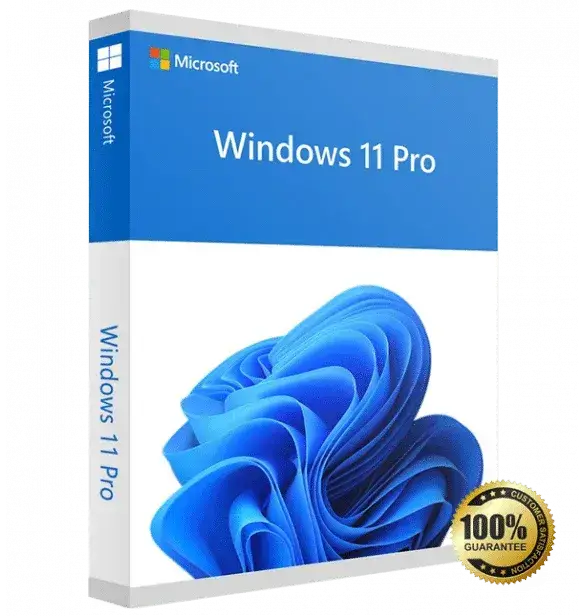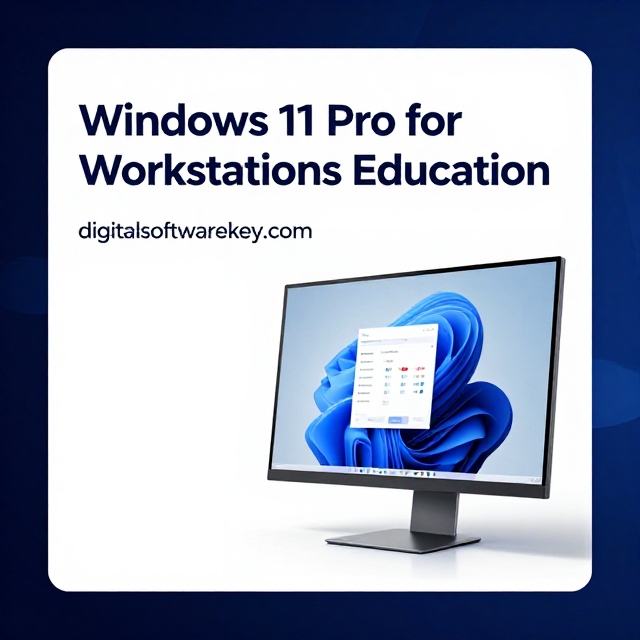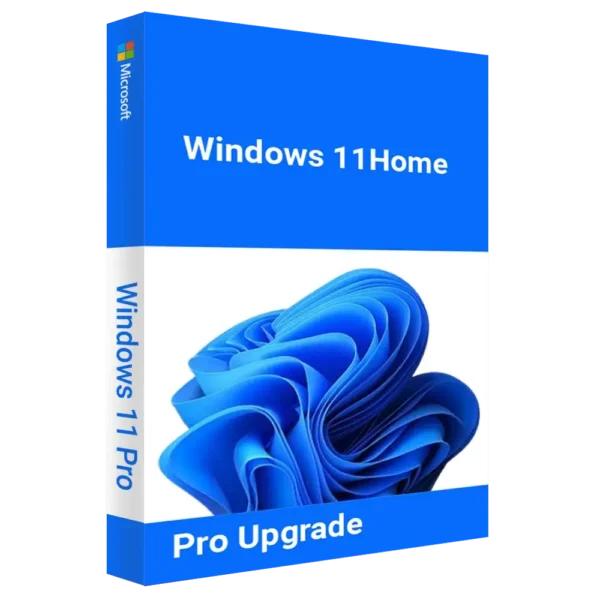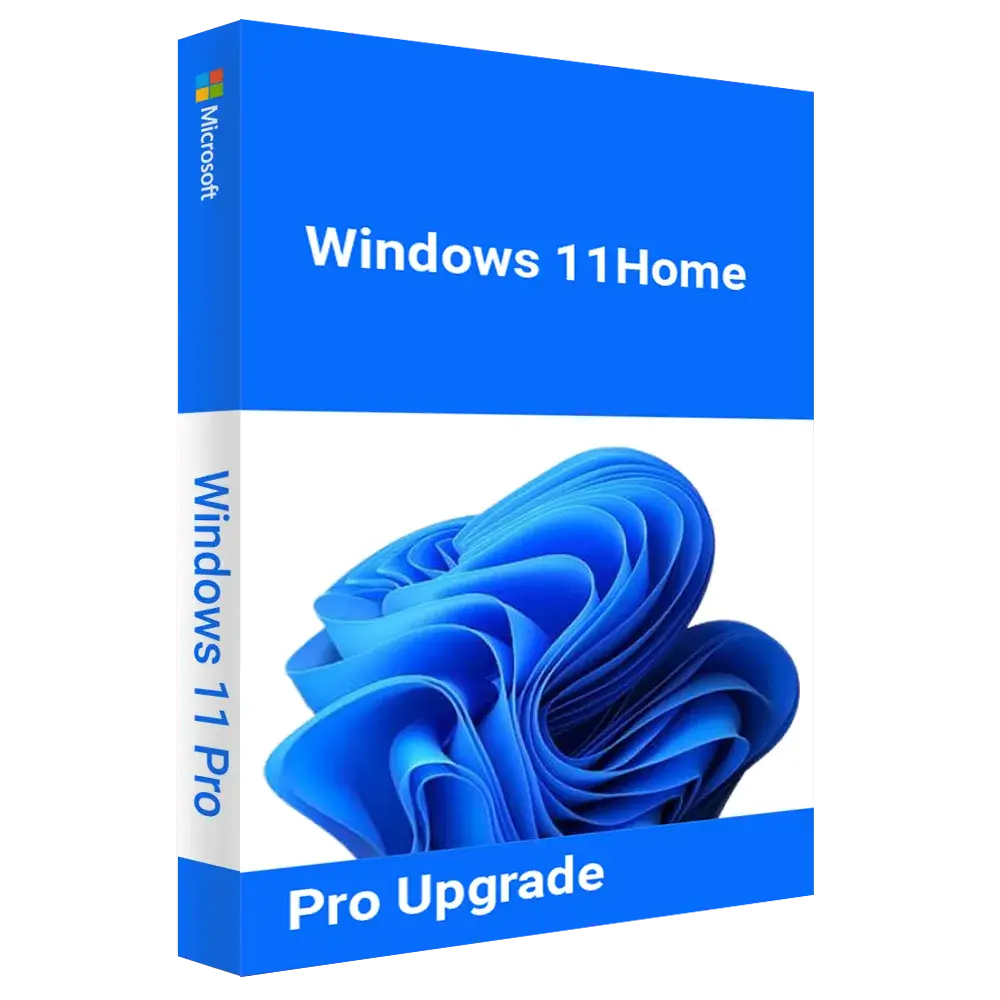


Microsoft Windows 11 Pro is designed specifically for professionals, business users, and advanced home users who require stronger security, better performance control, and enhanced productivity tools. If you are currently using Windows 11 Home, upgrading to Windows 11 Pro unlocks a powerful set of advanced features that help you work smarter, stay secure, and manage your system more efficiently.
Get more offers: click here…
With Microsoft Windows 11 Pro Key, you gain access to BitLocker device encryption, which protects your sensitive data from unauthorized access. Whether your device is lost or stolen, BitLocker ensures your files remain secure. This is especially important for business professionals handling confidential documents, financial data, or client information.
 Key Features of Microsoft Windows 11 Pro Key

1. Enhanced Security & Data Protection: Windows 11 Pro upgrade includes enterprise-grade security features to safeguard sensitive data. With BitLocker Drive Encryption, you get advanced protection against unauthorized access, while Windows Defender Firewall and Windows Hello ensure secure logins and device safety.
2. Professional Productivity & Business Tools: From small businesses to large enterprises, Microsoft Windows 11 Pro Key upgrade offers Group Policy Management, Remote Desktop, and Azure Active Directory, making it ideal for IT professionals and administrators. The Hyper-V Virtualization feature lets you run multiple operating systems on the same machine, enhancing testing and deployment processes.
3. Improved Performance & User Experience: With Microsoft Windows 11 Pro Key, experience faster startup times, efficient memory management, and superior multitasking. The OS supports Snap Layouts and Multiple Desktops, allowing users to switch between tasks effortlessly.
4. Seamless Integration with Microsoft Office: Upgrade to Windows 11 Pro and enjoy smooth compatibility with Microsoft Office tools like Word, Excel, and Outlook. Whether you’re working remotely or managing a team, the OS ensures optimal performance for business applications.
Get More apps: click here…
What Will You Get When You Purchase Windows 11 Pro from DigitalSoftwareKey?
- Official Windows 11 Pro License Key
- Secure & Instant Digital Delivery
- Lifetime Activation (Reactivates on the same device)
- Guided Installation Support
- 100% Genuine Microsoft Product
How to Purchase and Download Windows 11 Pro Upgrade?
- Buy Microsoft Windows 11 Pro Key from DigitalSoftwareKey at an unbeatable price.
- Receive an official product key via email within minutes.
- Download and install Windows 11 Pro from the Microsoft website.
- Enter the activation key and enjoy professional-grade features.
What Happens If You Format or Replace Your PC?
Your Microsoft Windows 11 Pro Key is tied to your device, allowing reactivation even after a reset. If you replace your motherboard or switch to a new device, a fresh license may be required.
Are You a Reseller?
We offer bulk licenses for businesses, IT professionals, and resellers. Contact us for exclusive discounts on volume purchases.
System Requirements for Microsoft Windows 11 Pro Key
| Component | Minimum Requirement | Recommended |
|---|---|---|
| Processor | 1 GHz, 64-bit, 2+ cores | Intel i5 / Ryzen 5+ |
| RAM | 4GB | 8GB or more |
| Storage | 64GB+ SSD or HDD | SSD (for best performance) |
| Graphics Card | DirectX 12 Compatible | Integrated/ Dedicated GPU |
| Display | 720p, 9” or larger | Full HD, 1080p+ |
| Internet | Required for activation | High-speed recommended |
FAQs :
1. Can I upgrade from Windows 11 Home to Windows 11 Pro without losing data?
Yes, upgrading does not erase your files. However, it’s recommended to back up important data before proceeding.
2. Is Windows 11 Pro faster than Windows 11 Home?
Windows 11 Pro is optimized for performance, multitasking, and business applications, making it more efficient for professionals.
3. Will my existing software work after upgrading?
Yes, all apps compatible with Windows 11 Home will run smoothly on Windows 11 Pro.
4. How do I activate Windows 11 Pro?
After installation, enter your license key under Settings > Activation to unlock Pro features.
Microsoft Windows 11 Pro Key Upgrade Today
Unlock professional features and improve your workflow with Windows 11 Pro Upgrade. Buy your license today from digitalsoftwarekey and enjoy secure, high-performance computing for business and personal use.