


The Ultimate Guide to Microsoft 365 Apps For Business

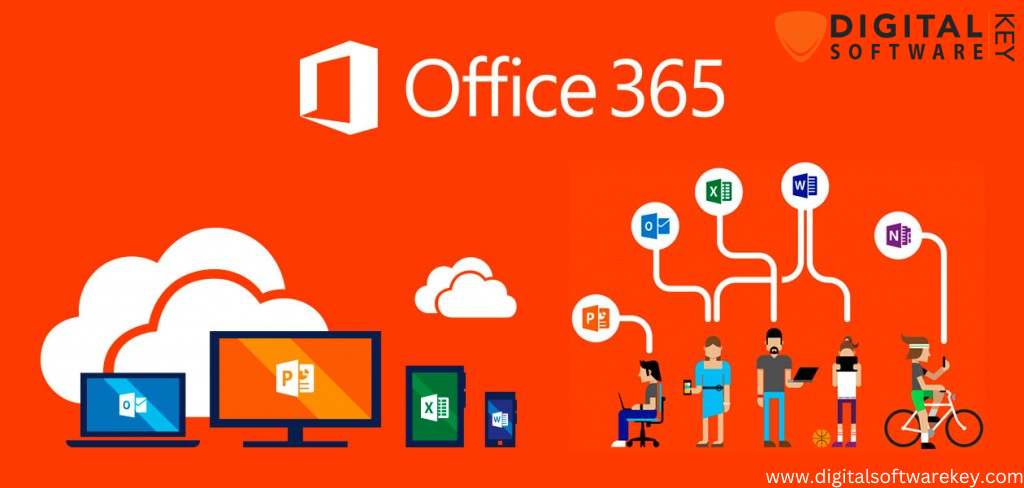
Microsoft 365 Apps for Business is a powerful cloud-based productivity suite designed to help businesses of all sizes manage their day-to-day operations efficiently. With access to essential Office applications such as Word, Excel, PowerPoint, Outlook, OneNote, and Publisher, businesses can create, edit, and share documents with ease. The suite also includes cloud services like OneDrive, Microsoft Teams, and SharePoint, enabling real-time collaboration, seamless file sharing, and efficient team communication.
Whether your business is small or large, Microsoft 365 Apps for Business provides tools to stay productive, organized, and connected, while ensuring security and compliance with industry standards.
What is Microsoft 365 Apps for Business?
Microsoft 365 Apps for Business is a subscription-based productivity platform that combines Office desktop applications with cloud services. It allows users to work across multiple devices, including PCs, Macs, tablets, and smartphones, ensuring they can access files and tools from anywhere.
The platform also includes security and compliance features such as Advanced Threat Protection, Data Loss Prevention, and Threat Intelligence, which help protect business data and maintain regulatory compliance. By providing secure cloud access, real-time collaboration tools, and advanced analytics, Microsoft 365 Apps for Business empowers businesses to work smarter and more efficiently.
Key Benefits of Microsoft 365 Apps for Business
1. Real-Time Collaboration
Microsoft 365 Apps for Business allows multiple users to work on the same document simultaneously. Teams can collaborate on projects, track changes, and leave comments in real time, eliminating the need for endless email chains and reducing time spent on document revisions.
2. Cloud Storage and Accessibility
With OneDrive and SharePoint, businesses can securely store documents in the cloud. Employees can access their files from any device, whether in the office, at home, or on the go. This flexibility enhances productivity and ensures data is protected and easily recoverable.
3. Enhanced Security and Compliance
Security is critical for modern businesses. Microsoft 365 Apps for Business includes encryption, multi-factor authentication, and threat protection features to keep sensitive business data safe. These tools also help businesses stay compliant with industry regulations, ensuring data privacy and security.
4. Cost and Time Efficiency
By enabling online collaboration and reducing the need for printing, mailing, and manual document handling, Microsoft 365 Apps for Business helps businesses save both time and money. Cloud-based storage reduces IT overhead, while subscription-based licensing provides predictable costs.
5. Streamlined Organization and Productivity
The suite includes tools for creating calendars, task lists, and project plans, making it easier to stay organized. Outlook, Teams, and Planner help streamline communication, task management, and team collaboration, keeping projects on schedule.
6. Seamless Integration with Microsoft Tools
Microsoft 365 Apps for Business integrates effortlessly with other Microsoft products, including Windows, Teams, OneDrive, and SharePoint. This integration ensures smooth workflows, faster collaboration, and access to shared resources across the organization.
7. Scalability for Growing Businesses
Subscription-based licensing allows businesses to easily add or remove users as they grow. This flexibility makes Microsoft 365 Apps for Business ideal for companies of any size, providing scalable solutions to meet changing business needs.
How to Purchase and Install Microsoft 365 Apps for Business
Installing Microsoft 365 Apps for Business is straightforward and can be completed in a few simple steps:
-
Purchase a Subscription – Choose a Microsoft 365 Apps for Business plan from a trusted provider such as DigitalSoftwareKey.
-
Download the Desktop App – Install the Microsoft 365 Business Desktop App to access Office applications and cloud services.
-
Activate Your Subscription – Sign in with your Microsoft account or enter your subscription key to activate your account.
-
Install the Required Apps – Choose the applications you need, including Word, Excel, PowerPoint, Outlook, Teams, and OneDrive.
-
Configure Settings – Set up user accounts, security options, sharing permissions, and other preferences.
-
Customize Your Apps – Add custom themes, templates, and integrations to suit your workflow.
-
Start Using Microsoft 365 – Collaborate on documents, host virtual meetings, and manage projects efficiently using the suite’s full capabilities.
Why Choose DigitalSoftwareKey for Microsoft 365
When purchasing Microsoft 365 Apps for Business, it is essential to choose a trusted provider. DigitalSoftwareKey offers genuine Microsoft 365 licenses at competitive prices, ensuring fast delivery, secure activation, and professional support. Their team of experts can help businesses select the right plan, configure settings, and provide guidance to maximize the benefits of Microsoft 365.
By purchasing through DigitalSoftwareKey, businesses avoid counterfeit software, ensuring reliability, security, and uninterrupted access to all Microsoft 365 tools.
Conclusion
Microsoft 365 Apps for Business is a comprehensive cloud-based productivity suite that empowers businesses to work smarter, collaborate more effectively, and stay secure. With access to essential Office applications, cloud storage, advanced security features, and seamless integration with Microsoft tools, this suite provides everything a modern business needs to succeed.