


Unlock the Full Potential with Small Business Server 2011

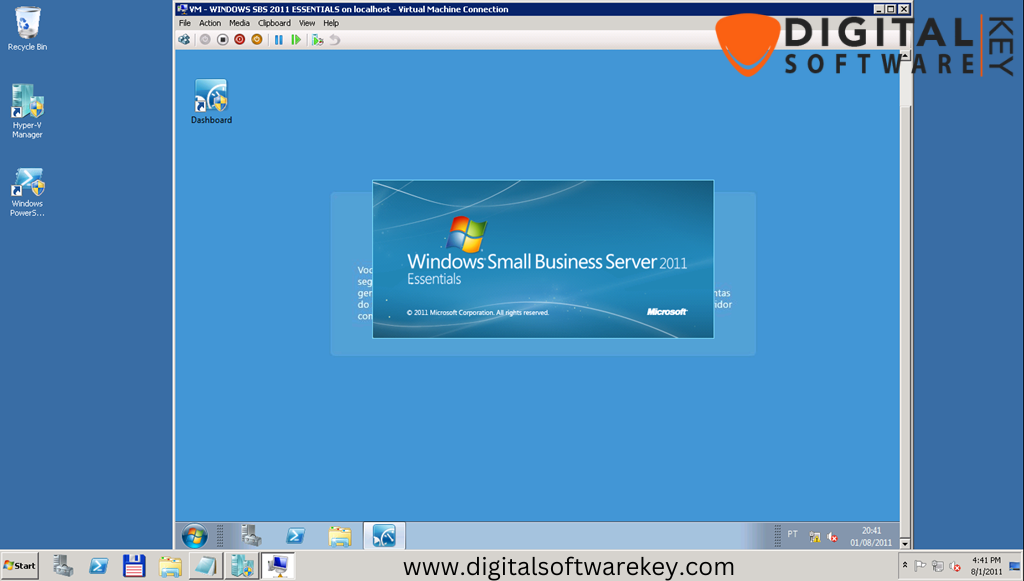
Running a small business comes with a unique set of challenges, especially when it comes to managing IT infrastructure efficiently. Windows Small Business Server 2011 Standard (SBS 2011 Standard) is a powerful, all-in-one server solution designed specifically for small and medium-sized businesses.
Unlike complex enterprise systems, Small Business Server 2011 Standard is easy to deploy, manage, and maintain, providing businesses with the tools they need to operate smoothly and securely. From centralized management and data protection to remote access and virtualization, Small Business Server 2011 Standard offers a complete platform that helps businesses streamline their operations and maximize productivity.
Centralized Management with Active Directory
A key feature of Small Business Server 2011 Standard is Active Directory, which allows administrators to manage users, computers, and network resources from a single, centralized interface. This makes it easy to set up new employees, assign permissions, and monitor network activity without having to manage each device individually. Active Directory also supports group policies and security settings, which ensure that sensitive business data is protected and that users only have access to the resources they need. By simplifying user and device management, SBS 2011 Standard saves time, reduces administrative errors, and provides a more secure and organized network environment for small businesses.
Secure Remote Access and Collaboration
In today’s business world, employees are often working remotely or traveling between offices. SBS 2011 Standard provides secure remote access, allowing staff to connect to the company network from anywhere with an internet connection. This ensures that employees can access emails, files, and applications without interruptions, improving overall productivity. In addition, the server includes collaboration tools such as SharePoint Foundation, which enables teams to share documents, collaborate on projects, and maintain version control effortlessly.
Whether employees are in the office or working remotely, SBS 2011 Standard makes teamwork seamless and secure.
Virtualization and High Availability
- Hyper-V Virtualization: Run multiple virtual machines on a single physical server, allowing testing of new applications, hosting different environments, or running multiple operating systems without extra hardware.
- Failover Clustering: Ensures critical business services remain online even if hardware fails, minimizing downtime.
- High Availability: Provides enterprise-level reliability for small businesses, combining virtualization and robust server uptime without added complexity or costs.
Advanced Security and Data Protection
- Integrated Firewall, Antivirus, and Antispam: Protects the network against cyber threats.
- VPN Support: Enables employees to securely access company resources from remote locations.
- Automated Backups and Recovery: Safeguards important files, databases, and applications from accidental loss.
- Multiple Authentication Methods: Supports Active Directory and Windows Passport to keep sensitive data secure while allowing easy access for authorized users.
Easy Installation and Administration
Setting up SBS 2011 Standard is straightforward, even for businesses without dedicated IT staff. After purchasing a genuine product key from a trusted source such as DigitalSoftwareKey, businesses can download the installation files from Microsoft and follow the step-by-step setup process. The Windows Server Essentials Dashboard provides an intuitive interface for managing the server, allowing administrators to configure settings, manage users and groups, monitor system health, and control access to resources easily.
This central dashboard reduces the complexity of server management, allowing small businesses to focus on their core operations rather than spending excessive time on IT administration.
Comprehensive Features for Small Business Success
SBS 2011 Standard comes packed with features that address the most common needs of small businesses. It includes Windows Deployment Services for efficient software deployment, Remote Desktop Services for secure access to desktops and applications, IIS web server capabilities to host internal or public websites, and PowerShell support to automate repetitive tasks and server management. It also supports network-level authentication, file and folder auditing, and Active Directory Federation Services to ensure secure and compliant business operations. These features combined make SBS 2011 Standard a versatile and reliable solution for managing every aspect of a small business IT infrastructure.
Why Choose Windows Small Business Server 2011 Standard
Overall, Windows Small Business Server 2011 Standard is more than just a server—it is a complete business solution. It combines productivity, security, and reliability in one platform that is easy to manage, even for small teams. From centralized management and secure remote access to virtualization and robust security features, SBS 2011 Standard helps businesses operate efficiently, reduce downtime, and safeguard critical data. By purchasing a genuine key from trusted sources like DigitalSoftwareKey, small businesses can quickly implement SBS 2011 Standard and unlock the full potential of their IT infrastructure, giving them the tools to grow, collaborate, and succeed in today’s competitive environment.